Early in my career as a freelance writer, I worked for a digital marketing firm that put me in charge of choosing stock photos for client blogs. I was absolutely terrible at it.
We used Shutterstock, and nearly every photo featured the same models. Many of our clients were weight-loss surgeons, which meant I spent hours scrolling through cringe-worthy images of people binge-eating pizza, burgers, and fried chicken—sauce dripping down their shirts.
Looking back, I realize those images were incredibly tacky. It was also terrible marketing.
One time, I wrote an article about how to tell your family you’re getting breast augmentation surgery. I chose a stock photo of a teenage boy staring at his mother in complete shock. I got in a lot of trouble for that one, because it was mocking, and rather unprofessional.
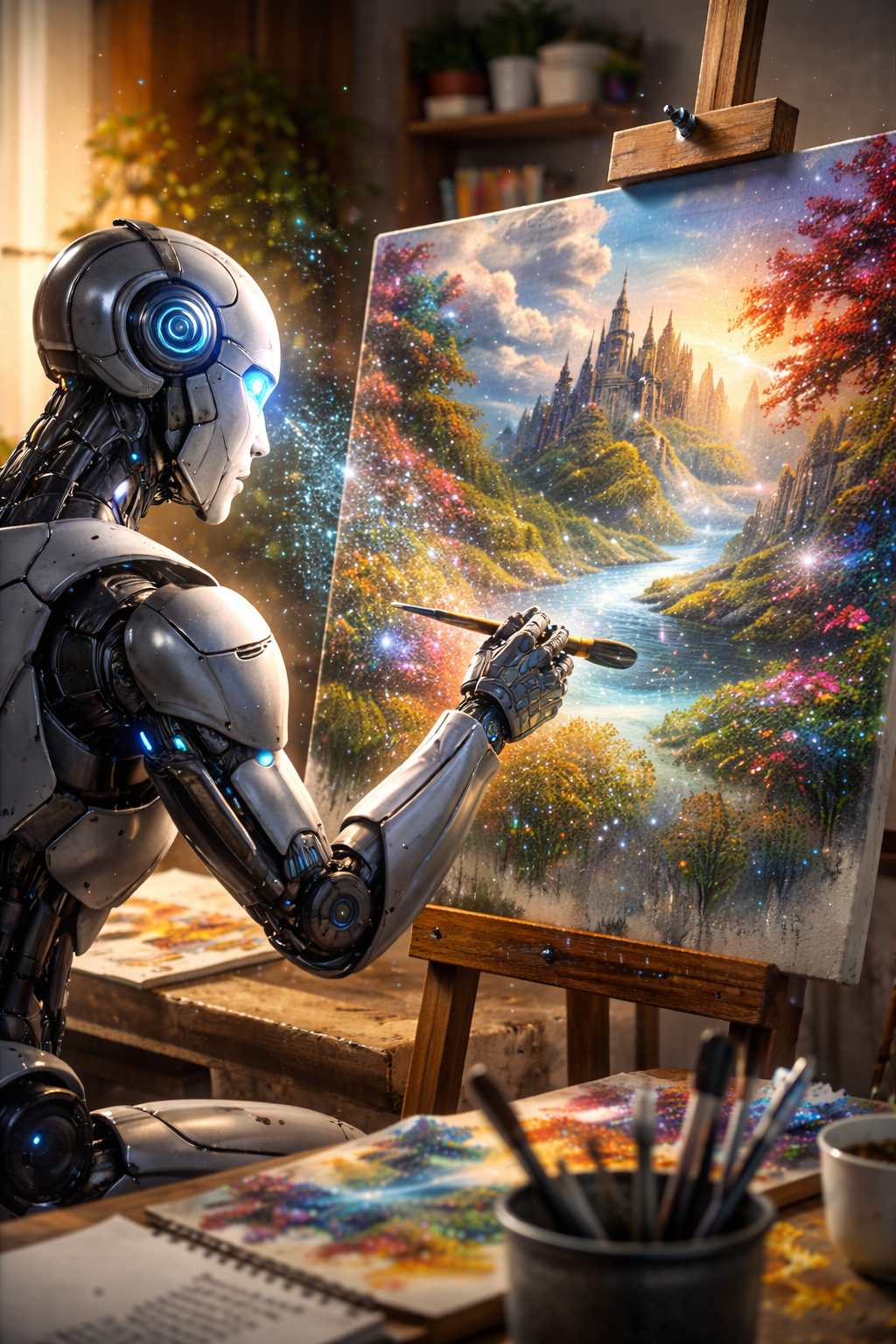
For years, I had to search endlessly through stock libraries hoping to find something that worked. But now, thanks to AI, I can just describe the image I want and voilà—I have something far more specific than anything I could find in a stock library.
Why AI Blog Images Are Better Than Stock Photos
After using stock photo libraries for several years, I started seeing the same problems over and over. Here are common problems with stock photos:
- They look staged or overly corporate
- The same models appear everywhere
- The same images appear on dozens of websites
- They rarely match the tone of the article
- Finding the right image takes far too long
AI-generated images can solve nearly all these issues. Instead of spending too much extra time hunting for photos, you can describe exactly what you want and AI creates it.
But AI is far from perfect, and it doesn’t always deliver exactly what you want. Sometimes AI gives me extra limbs, extra fingers, or people with two heads. Or images where all the people look identical.
Here are a few techniques that help me generate better images for blog posts.
Tip #1: Write AI Image Prompts Like a Photographer
Freelance writers may be great at writing descriptions, but when it comes to images, it helps to think more like a photographer.
Before writing a prompt, consider all the visual elements and details you want featured in the image, including lighting, setting, mood, camera angle, and the time of day.
Avoid being vague and writing basic prompts like:
Woman reading a book.
That prompt could literally produce anything!
You’ll need to add more details—such as the woman’s age, hair color, and mood—and also describe the setting. A stronger prompt might look something like this:
Cozy reading nook with a middle-aged woman with brown hair reading in a large armchair by the fireplace, petting a black cat, stacks of books nearby, warm dim lighting, peaceful evening atmosphere, realistic photography style.
Specific descriptions like this can certainly help you generate attractive, original photos for your blog. And the best part is you don’t have to worry about another website featuring the same image.
Tip #2: Use Storytelling in Your AI Image Prompts
Most great blog images tell a small story that enhances your content. Try adding some life-like elements to your images that make them more dynamic, rather than static.
For example, let’s say you need an image for a blog about how to overcome writer’s block. Instead of featuring a laptop sitting open on a desk, aim for a more relatable scenario. Show a freelance writer in front of the laptop, surrounded by a messy mound of notebooks and papers, coffee mug nearby, a disgruntled expression on their face.
This is far more relatable than just a lone laptop sitting on a table.

Tip #3: Be Consistent With Your Visual Style
In content marketing, visual elements play a huge role in credibility and brand recognition.
Using a consistent, uniform design makes your content more reliable and trustworthy. It also makes visitors feel more comfortable, because they know what to expect. These factors also drive engagement rates, and can lead to better brand recall.
Try using the same visual styles in all your images to make your blog look more professional and recognizable. Some visual components to consider:
- Setting
- Color themes & palettes
- Lighting
- Angles & dimensions
- Borders & frames
- Tone (professional, comedic, minimalist, etc.)
- Image style (comic, photography, anime, etc.)
Don’t forget to describe the style of the image you want, as this can dramatically improve results. I often use comic book or illustration styles for articles featuring humorous, whimsical content, and photography styles for more realistic, high-quality images.
Tip #4: Experiment With Multiple Versions
AI has a tendency to produce unsatisfactory images every now and then—no matter how specific you are with descriptions. Sometimes it even ignores modification requests.
A good way to get around this is to write up several variations of the same image concept. For instance, you can play around with the lighting (daytime vs evening), setting (inside vs outside), and camera angle (close-up vs wide shot).
Creating a few different versions allows you to pick the one you like best, or tweak a few as needed until you get your perfect image.
Tip #5: Create Images That Aren’t in Stock Libraries
This is an obvious tip I’ve already mentioned, but an important one. My favorite thing about AI images is that they’re completely original. You can make them super specific so they reflect your content perfectly, to a tee.
That’s not something you can do with images in a stock library.
Final Thoughts
Looking back, I still laugh about some of the stock photos I chose early in my career. At the time, finding the right image felt like an annoying final step before publishing a blog post. Now, it’s one of my favorite parts of the process!
Instead of scrolling endlessly through stock libraries hoping to find something that works, you can simply describe the image you want, and create it.
Do you need help with improving the images on your website using AI? I’d be happy to help! Contact me and let’s get started.
Last Updated on April 13, 2026 by Sarah Morris


Leave a Reply